Weekly Activities (Project 3: Touch)
Module 3 Formstorming
Weekly Activity Template

Emma Rego Oliveira

Project 3


Module 3

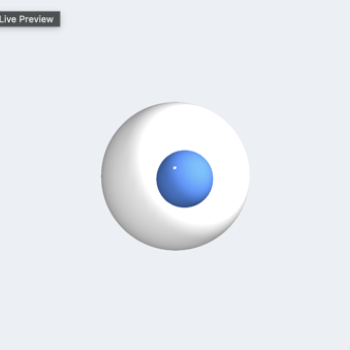
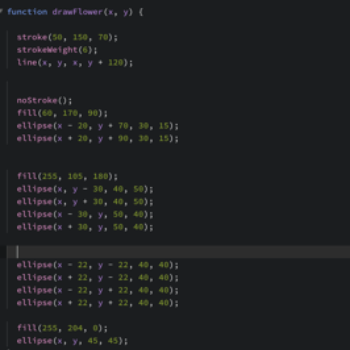
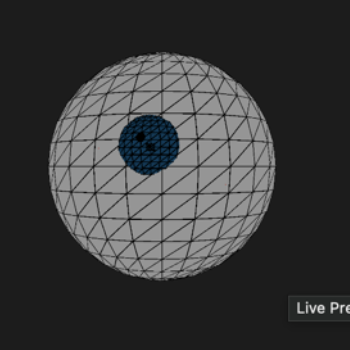
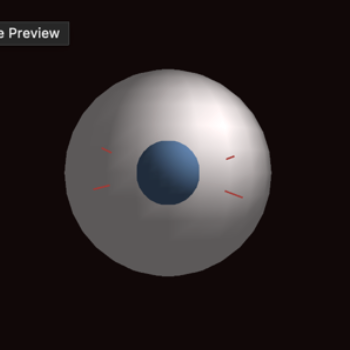
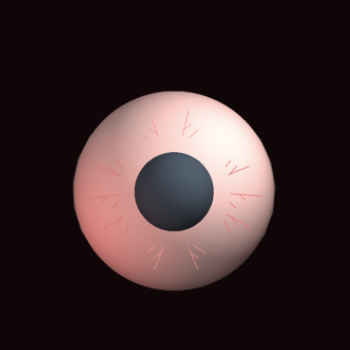
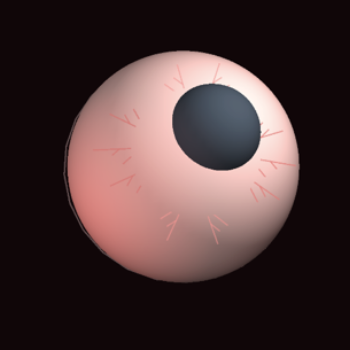
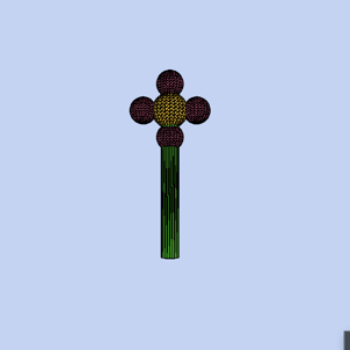
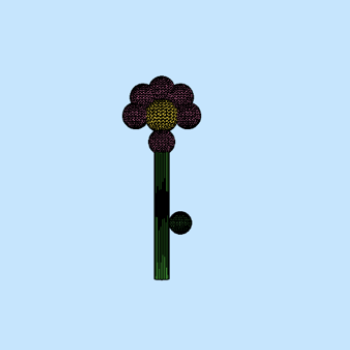
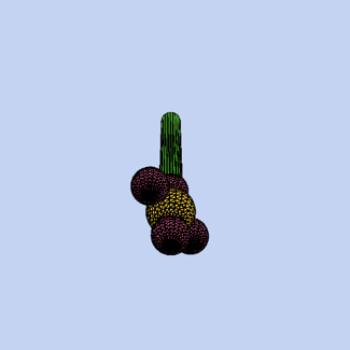
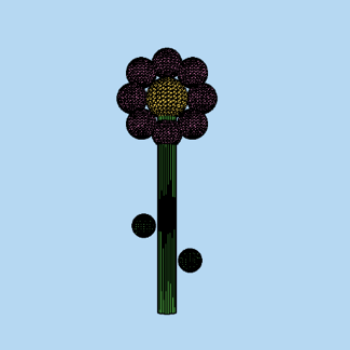
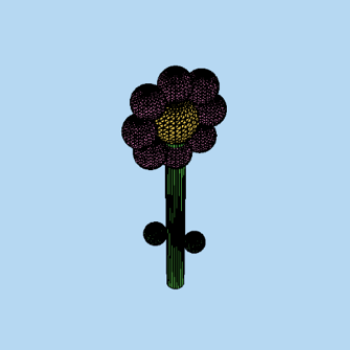
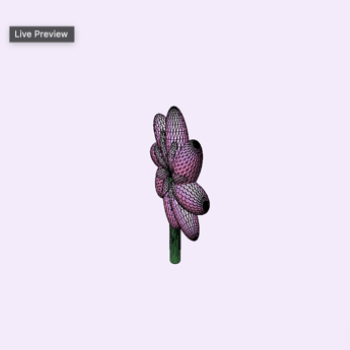
In this activity, I attempted to create interactions between the Makey Makey touchpad and P5.JS code. I started with simple interactive shapes, focusing on the up, down, left and right features on the Makey Makey. Then I moved onto working with 3D shapes. I took advice from the last project and did my best to create interactive 3D creations that work together. I created an eerie eyeball and a 3D flower which reacts to the Makey Makey commands.

Activity 1

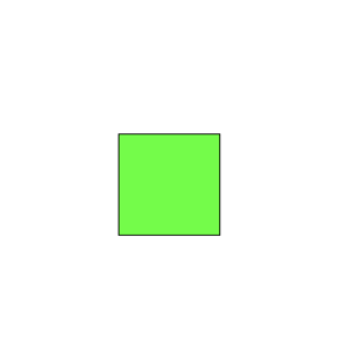
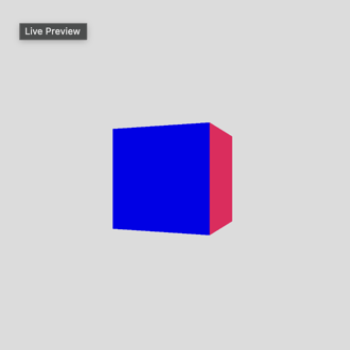
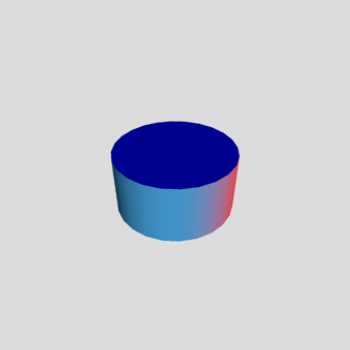
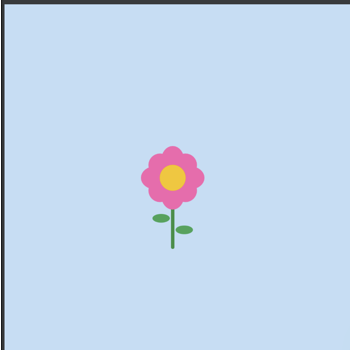
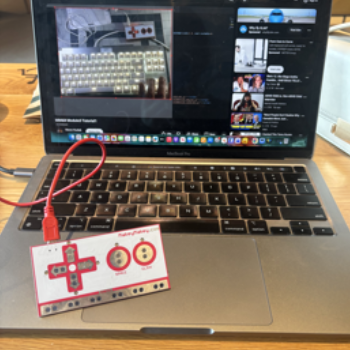
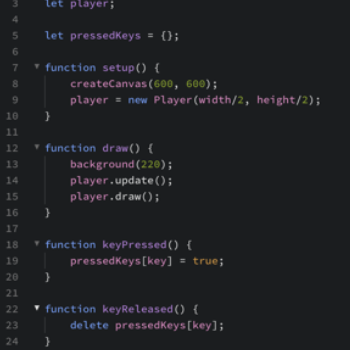
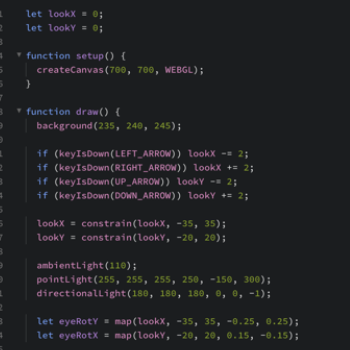
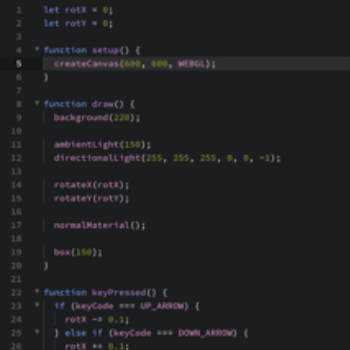
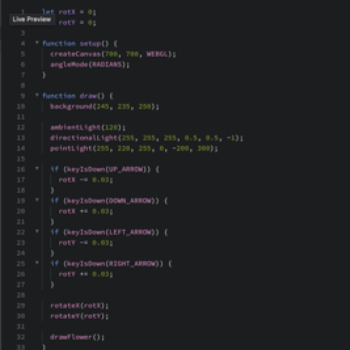
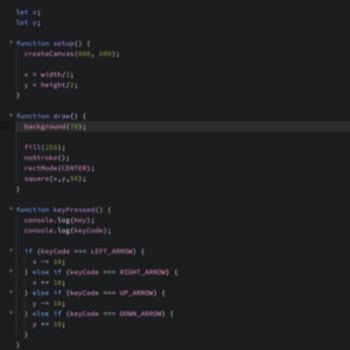
Following tutorials to make a sqaure move based on touchpad interactions. Following tutorials to make a sqaure move based on touchpad interactions. Using Steve's tutorials to create 3D objects, starting with a cube with ambient lighting. Using Steve's tutorials to create 3D objects. Creating a cylinder with ambient lighting. I continued following basic tutorials and created more shapes which moved based on up,dowm, left and right touchpad keys. Played with colours and outlines but wanted to create more detailed objects, and I found interest in 3D so I wanted to see what I could do. 2D flower created with ellipses and reacts to keypad input. Makey Makey connected to computer while watching tutorials. Code created with Steve's tutorials to make the moving squares. Code creating the 3D spheres, using WEBGL and directional light. I originally tried making a sphere using the 3D techniques above but the sphere did not look like it was responding to the input so I improvised. Beginning attempts at creating an eye that reacts to up, down, left and right keys on the Makey Makey. This is the code used to create the 2D flower and coordinates to make sure everything is together. More attempts to make the eyeball look sinister, by adding darker, more muted colours. I could not figure out how to make this pupil work, I fear. Attempt at creating veins and adding depth. Adding red lights, this creates a very eerie tone. From another angle. First attempt at making the flower into a 3D model. Was very not successful. I tried adding more petals by creating spheres. From another angle. Copying the first attempt and creating more petals. From another angle. Final version of the flower. Following online tutorials to make 3D objects. 3D flower code with interactive elements. More followed tutorials (basic)

Activity 2

put a description here or you will lose grades put a description here or you will lose grades put a description here or you will lose grades put a description here or you will lose grades put a description here or you will lose grades put a description here or you will lose grades put a description here or you will lose grades put a description here or you will lose grades put a description here or you will lose grades put a description here or you will lose grades put a description here or you will lose grades put a description here or you will lose grades put a description here or you will lose grades put a description here or you will lose grades put a description here or you will lose grades put a description here or you will lose grades put a description here or you will lose grades put a description here or you will lose grades put a description here or you will lose grades put a description here or you will lose grades put a description here or you will lose grades put a description here or you will lose grades put a description here or you will lose grades put a description here or you will lose grades put a description here or you will lose grades

Project 3


Final Project 3 Design

PLACEHOLDER TEXT, replace this with an actual description

test2Lorem ipsum dolor sit amet, consectetur adipiscing elit
×